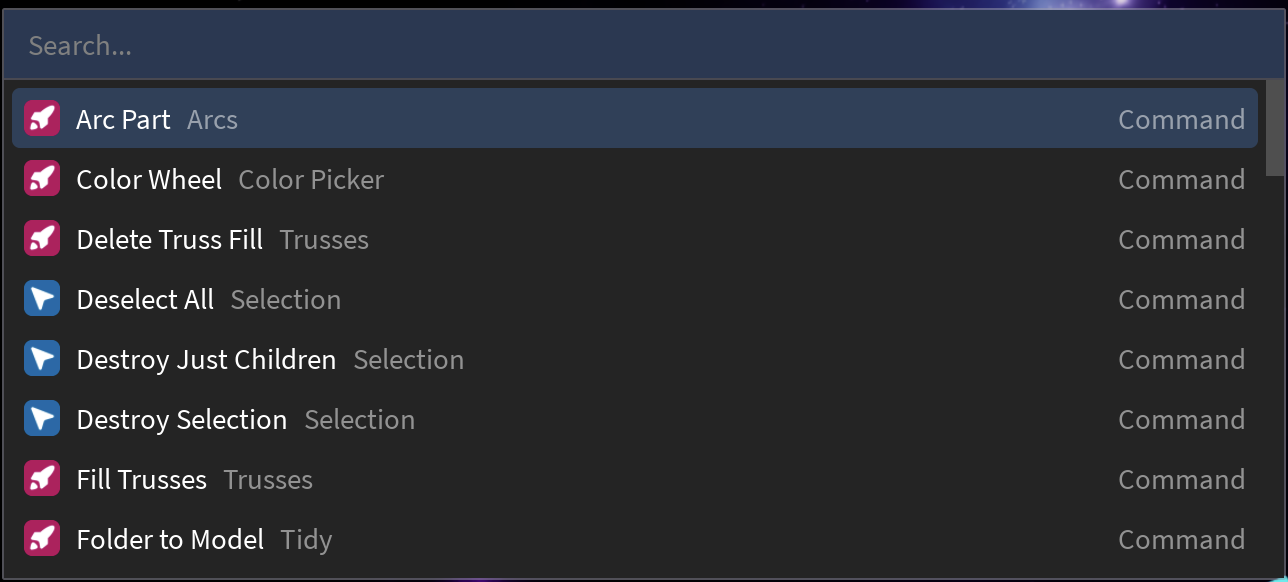
Welcome To Rocket
To start, let’s take a quick spin on Rocket’s featureset, and see how everything looks together in practice.
Can we tempt you? You can download Rocket from this page, though you can read through this page first.
Launching Rocket
Section titled “Launching Rocket”-
Under the ribbon bar, open the “Plugins” tab
-
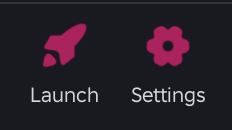
Locate the Rocket toolbar, which looks like this (note the Launch and Settings buttons):
-
Inside that toolbar, click on the “Launch” button
The Rocket Launcher
Section titled “The Rocket Launcher”